Your space
Most of Initiative is organized by guild and initiative. But you also get a set of personal views that gather your things from across every guild you belong to — so you never have to go hunting guild by guild. Reach them by clicking the Initiative logo in the top-left corner of the screen (it sits above your guilds on the rail).
My Tasks
Everything assigned to you, from every guild and project, in one list. Group it by date or by guild, and filter by priority, status, or guild. This is the page to live in if you just want to know "what should I be doing?"
Tasks I Created
The tasks you made, wherever they ended up. Useful for following up on things you've handed off or set in motion.
My Projects
Every project you can access, across all your guilds — a fast way to jump to one without switching guilds first.
My Documents
The documents that are yours, gathered together.
My Calendar
Your events and dated tasks from across every guild, on one calendar. The single best place to see your whole schedule in one glance.
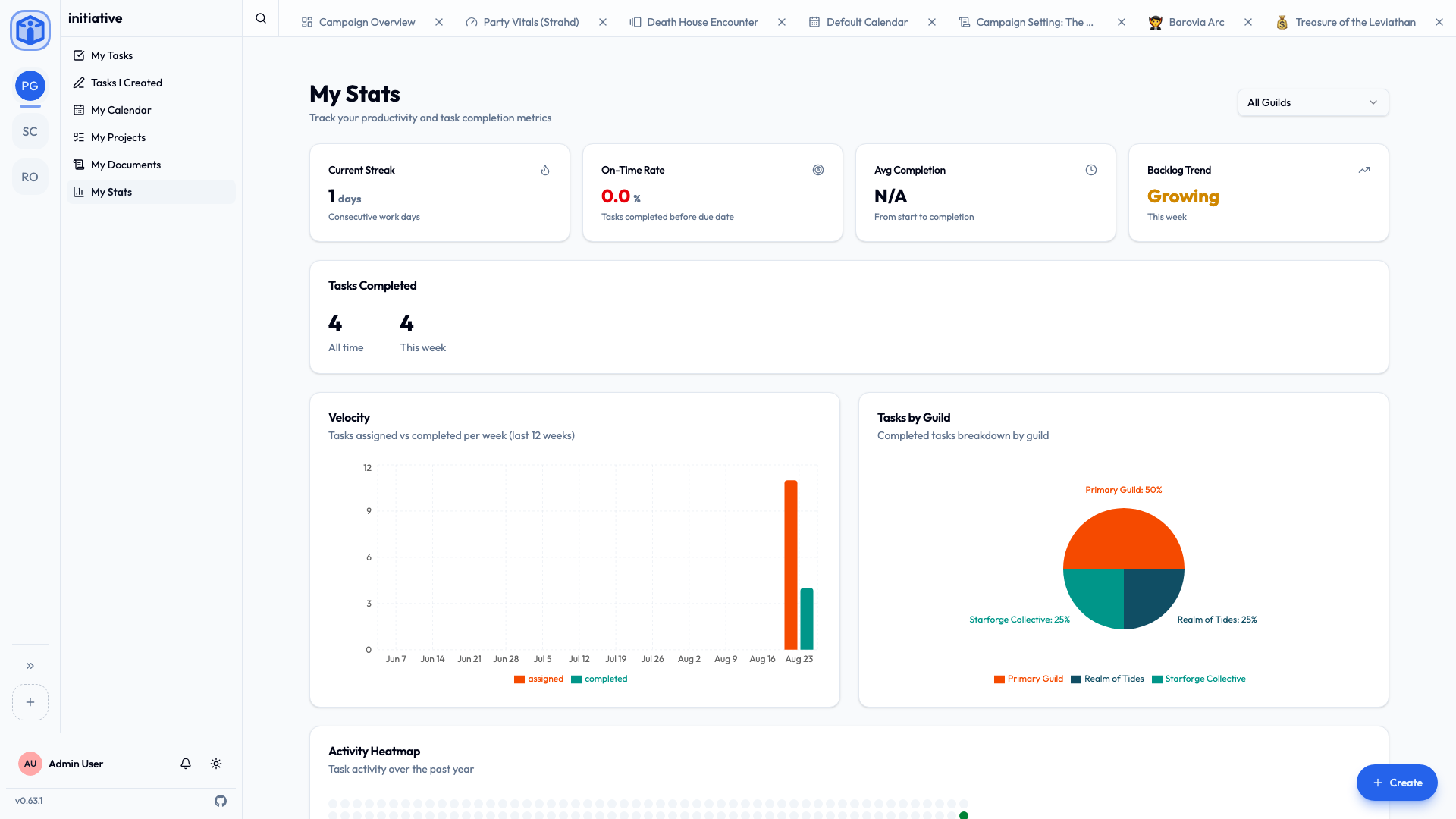
My Stats
A friendly look at your own activity:
- Current streak — consecutive days you've gotten things done.
- On-time rate — how often you finish before the due date.
- Tasks completed — this week and all-time.
- Velocity — how much you take on versus complete each week.
- An activity heatmap of the past year.
It's just for you — a bit of encouragement and a sense of your own rhythm, not a leaderboard.
Favorites
Star a project to add it to Favorites for one-click access. Your favorites are personal — starring something changes nothing for anyone else.
Related
- Notifications — how Initiative tells you what needs attention.
- Search & shortcuts — jump anywhere in seconds.